Live viewing
Request authorized vehicle video with selectable channels and quality.
 LEAVEAll solutionsWhy LEAVESign in to LEAVE
LEAVE Fleet management
From vehicle location to the driving environment.
Connect safety, running costs and fleet operations in one view.
Give dispatch, safety and maintenance teams a shared understanding of vehicles, driving events and operating costs.
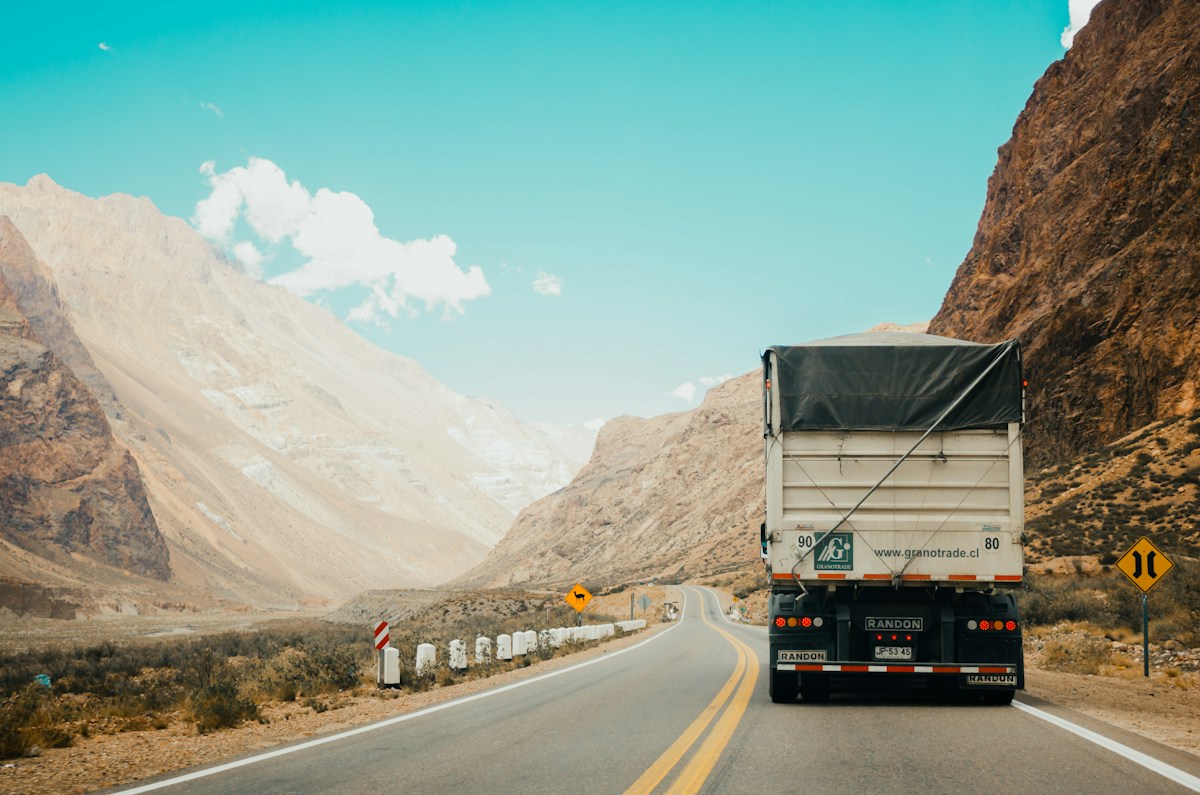
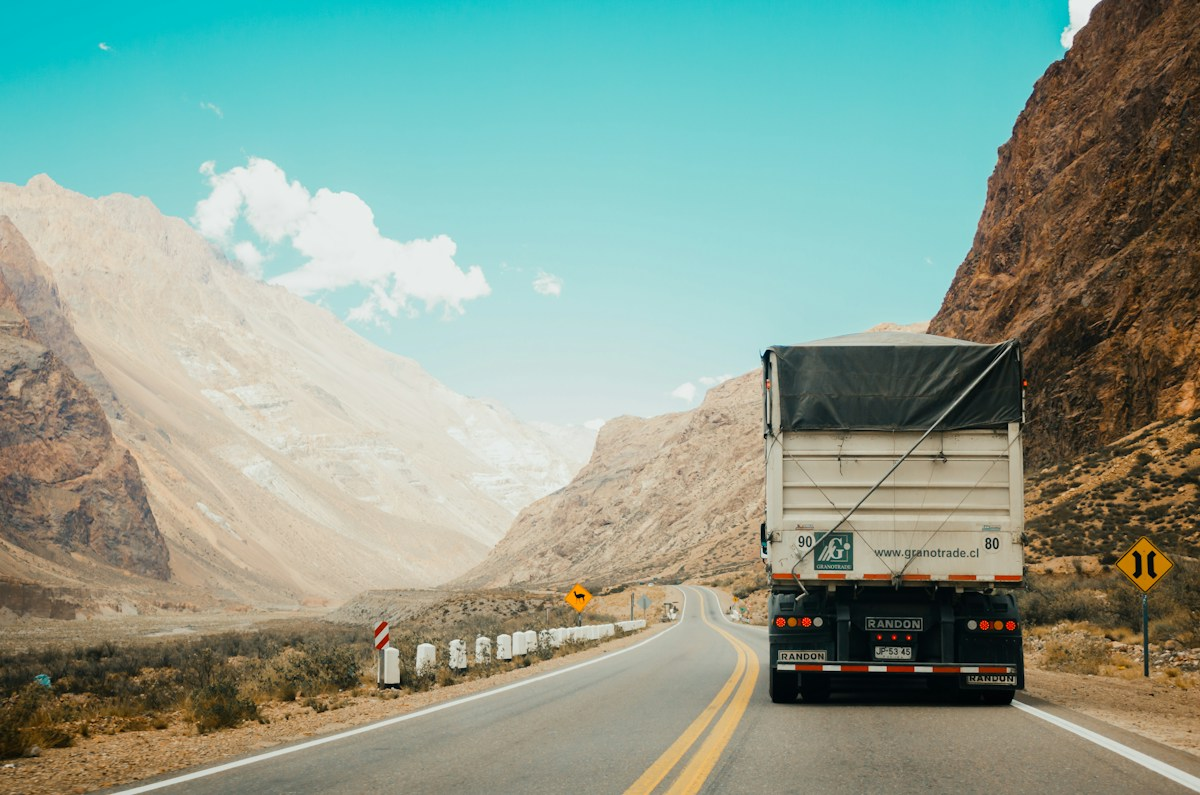
The location map is a supplied platform capture. Other data and interactions are examples; video is road scene footage. No live vehicles are connected.
Vehicle location
Bring location, heading, speed and connectivity into one map so dispatchers can understand available capacity.
Filter by fleet, region, job or vehicle state. Separate moving, stopped and offline vehicles to surface exceptions.
Select a vehicle for its latest location, report time, speed and trip. Review routes, stops and linked events by time range.
Set geofences around depots, customers and restricted zones; connect arrival, departure and route exceptions to dispatch.
Request authorized vehicle video with selectable channels and quality.
Open the time period linked to an alert to review snapshots and recordings.
Manage access by role and adapt the bitrate to network conditions.
Event summary
Driver scoring
Combine driving events, severity and distance into explainable scores. Find coaching priorities and follow progress over time.
Configure smoothness, attention, fatigue and compliance dimensions, including severity, duplicate-event handling and reviewed exemptions.
Normalize events by distance, for example per 100 km, and compare similar vehicles, routes and shifts.
Link each deduction to events and footage, support review corrections and record coaching actions and progress.
Sample driver · D-008
Vehicle fuel analysis
Connect consumption to mileage, idling and routes. Identify inefficient patterns and review refueling records and unusual fuel-level changes.
Review total fuel, litres per 100 km and trends. Compare similar vehicle types, loads and routes.
Analyze idling against engine state and stops. Link sudden rises or drops to time, location and available footage for review.
Use supported CAN / OBD, calibrated fuel sensors and refueling records. Consider slope, calibration and gaps when interpreting readings.
If the fuel level drops while stopped, review the location, engine state and available footage. Sensor fluctuations alone do not establish fuel loss.
Maintenance reminders
Schedule service by mileage, date or engine hours. Notify the right person before it is due and connect reminders to work orders and completion records.
Configure oil, filters, tyres and brakes using vehicle guidance and operating conditions. Trigger by the first threshold reached.
Handle upcoming, due and overdue service separately, assign owners and coordinate workshop windows with dispatch.
Record service date, mileage, costs and attachments, update the next due point and retain the service history.
Next due · 50,000 km or 01 Nov
1,200 km / 15 days left, whichever comes firstNext due · 53,800 km
5,000 km remainingTransport cost analysis
Connect vehicles, trips, waybills and expenses. Analyze costs by vehicle, route, customer and job to understand contribution and find improvement opportunities.
Bring together fuel, labor, tolls, parking, handling, maintenance and depreciation. Separate direct costs from allocated costs and retain their sources.
Calculate cost per trip, kilometre, tonne or tonne-kilometre and compare it with transport revenue. Use comparable routes, vehicles and loads.
Use load, empty distance, idling and waiting time to identify expensive patterns. Keep estimated, confirmed and settled amounts separate.
Account for owned and subcontracted transport separately; do not count subcontracted charges and their included costs twice. Configure currency, tax basis and allocation rules consistently.
Freight charge settlement
Connect completed jobs with contract-based billing, customer receivables and carrier payables. Trace charges, resolve differences and track approval and settlement progress.
Apply contracted route, distance, weight, volume, full-load or part-load rates, with agreed fuel, waiting and handling charges. Link delivery receipts and supporting documents.
Create periodic statements by customer or carrier. Reconcile waybills, billable quantities and charges; flag, explain and review differences before approval.
After approval, connect invoicing and payment records. Support partial settlement, advance offsets, due dates and overdue tracking with adjustment and audit history.
Customer and carrier statements are independent examples in USD, excluding tax. This demo only changes reconciliation status; it does not create real statements, invoices or payments.
Practical guidance on device selection, coverage and integration before you start.
Discuss your projectReview device models, protocols, location fields and available interfaces. Video, driving-risk and vehicle data depend on devices, cameras, sensors and permissions. Confirm these before integration.
Agree scoring rules, data sources, driver-to-vehicle links, and definitions for fuel, mileage and costs. Scores, costs and events shown on this website are illustrative, not operating results.
Bringing it together
Choose capabilities for your vehicles, network and existing systems. Validate devices, data and workflows in a pilot before scaling.
Tracker / Connected recorder / DMS camera / Supported CAN, OBD or fuel sensor
Location & video / Events & reports / Access control & logs / APIs
Dispatch / Safety review / Coaching / Service orders / Cost analysis / Freight settlement
Make your next move with LEAVE
Give your global business a clearer future.
Discuss your fleet needs